Portable app · under 1 MB · no installer

Screen and audio captured clean.

Record your Windows screen with microphone and system audio mixed into a single MP4 file. Pick your source—full screen, a specific window, a drawn region, or just one monitor—hit record, and get a watermark-free clip ready to share or edit. No account, no cloud sync, no hidden settings.

No watermark everNo account requiredCompletely freev1.0.1
Full screen or regionMic + system audioMP4 and GIF exportGlobal hotkeysTotally portable
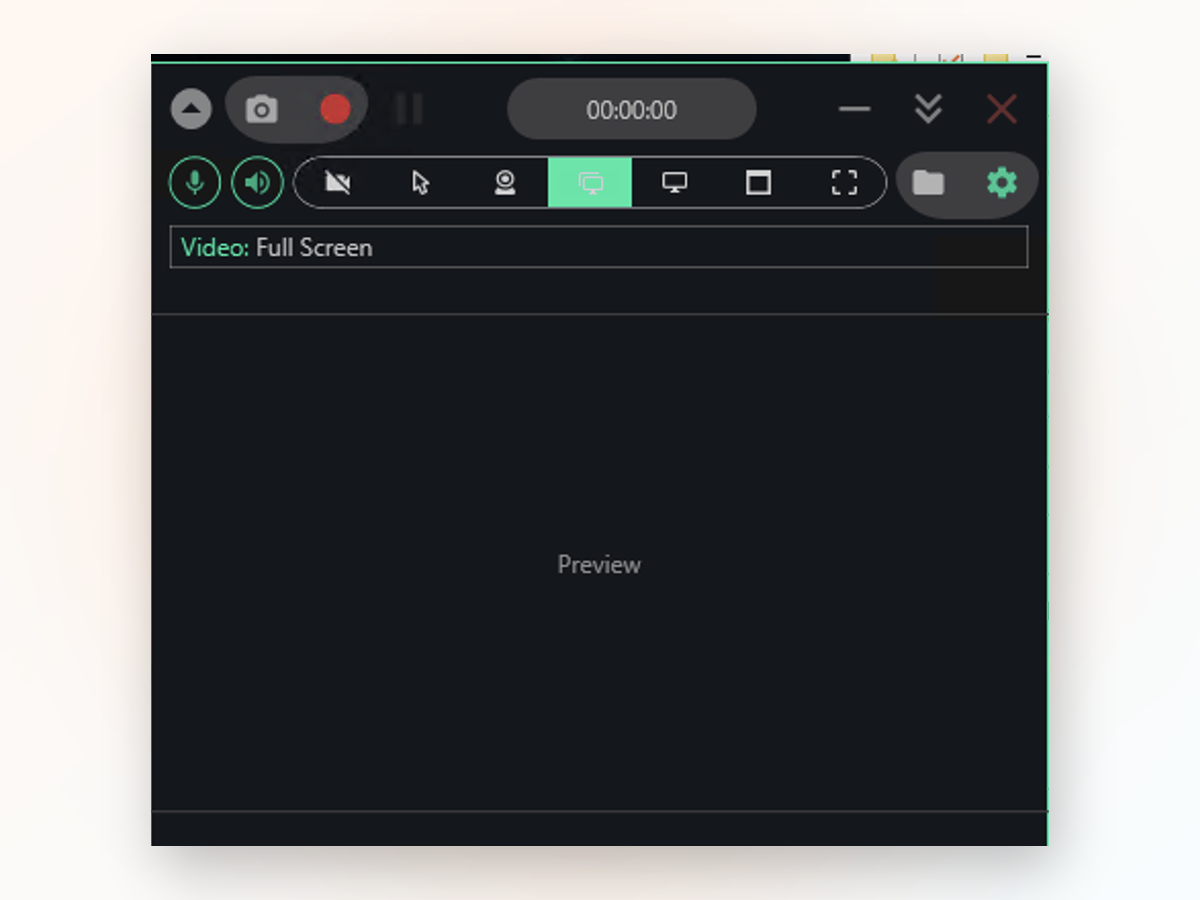
Screen and Audio Recorder app window on Windows
Against the rest

How it stacks against other recorders.

Most free recorders either add watermarks, demand logins, or buried their settings under too many menus.

 Screen and Audio RecorderTypical free alternative
Watermark on outputNeverUsually added
Account requiredNopeOften yes
Dual audio mixingBuilt inNot included
Hotkey controlFull supportLimited
Installation neededNoUsually required
File output formatMP4 or GIFVaries widely
Getting started

Getting started in four steps.

Set up takes less than a minute because there's barely any setup.

  1. Extract and launchUnzip the download and open the app directly from the extracted folder—no installation step needed.
  2. Pick your sourceChoose full screen, a single window, a free-form region, or a specific monitor from the toolbar.
  3. Toggle audio tracksClick the mic and speaker icons to decide whether you want microphone, system audio, both, or neither in your file.
  4. Record and savePress the record button or your hotkey to start, then stop to finish. The MP4 appears instantly in your Videos folder.
Tech details

Screen and Audio Recorder at a glance.

Version1.0.1
PlatformWindows 10 and 11, 64-bit
InstallPortable, no installer
LicenseMIT, source on GitHub
PriceFree, no account
LanguageEnglish
Why choose this

Why this beats the built-in tools.

Windows Game Bar is quick for clips, but it skips File Explorer, won't lock onto a region, and leaves you digging through menus. Screen and Audio Recorder handles all four capture modes and keeps the whole interface out of your way.

What you capture
Inside the appScreen and Audio Recorder window

What you get out of the recorder.

Every recording lands as a clean MP4 in your Videos folder with both audio tracks already baked in. The output is ready to drop into an editor, upload to YouTube, or attach to a bug report—no re-encoding, no format fiddling.

Dual audio tracksMicrophone and system sound are mixed into one file so you can narrate over gameplay, tutorials, or presentations without splitting clips later.
Hotkey controlStart, pause, and stop recording without switching windows or hunting for buttons—everything responds to your keyboard shortcuts.
Optional webcam overlayAdd yourself as a picture-in-picture bubble on top of the screen capture for talking-head tutorials or reaction videos.
Your questions

Common questions about the recorder.

Record your screen with audio, no strings attached.

Download now and capture your first clip in under a minute—no account, no watermark, no hassle.

Download for Windows
Latest release · v1.0.1